
CrafterD Click
Frog Clicker
✓ Printed & tested
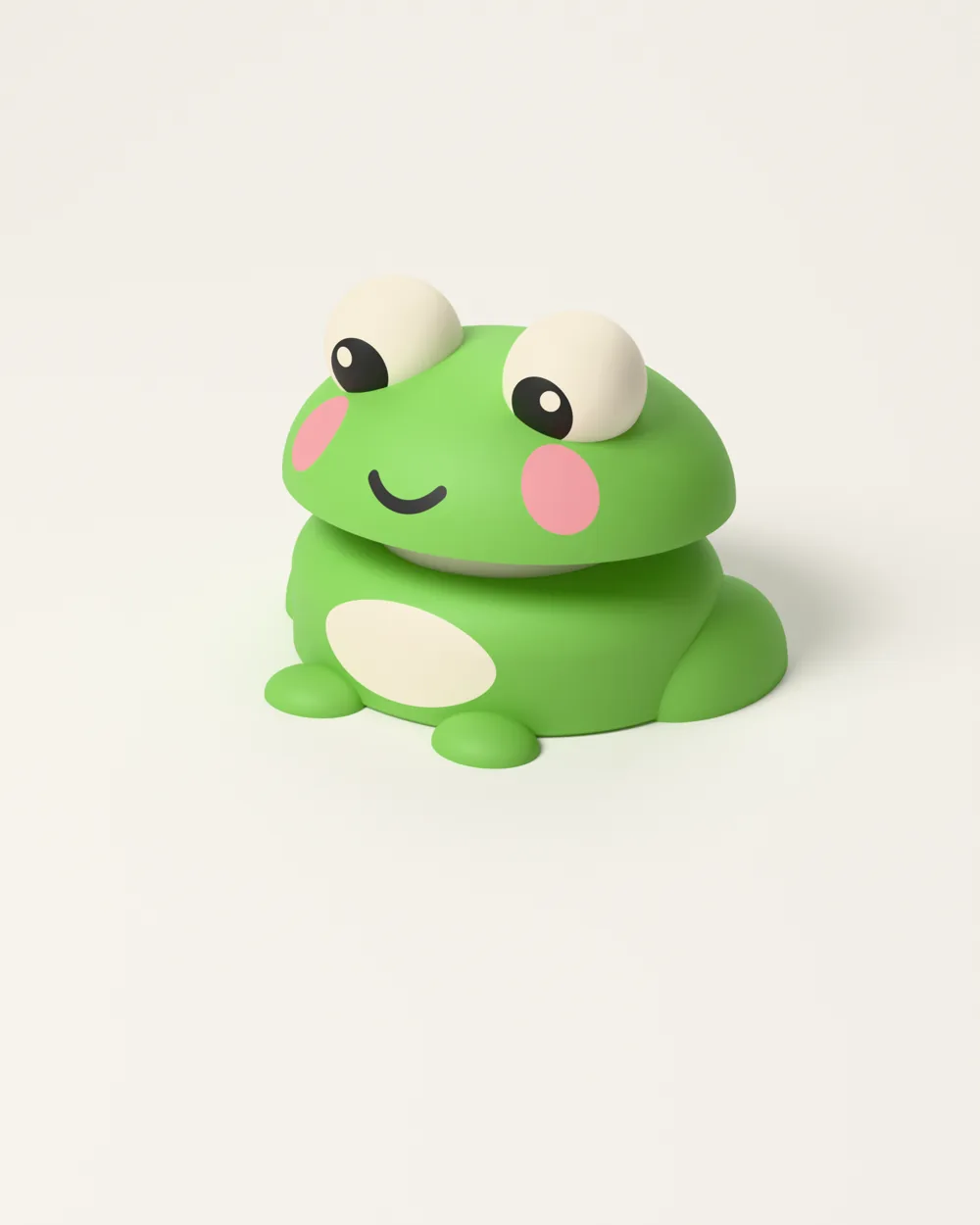
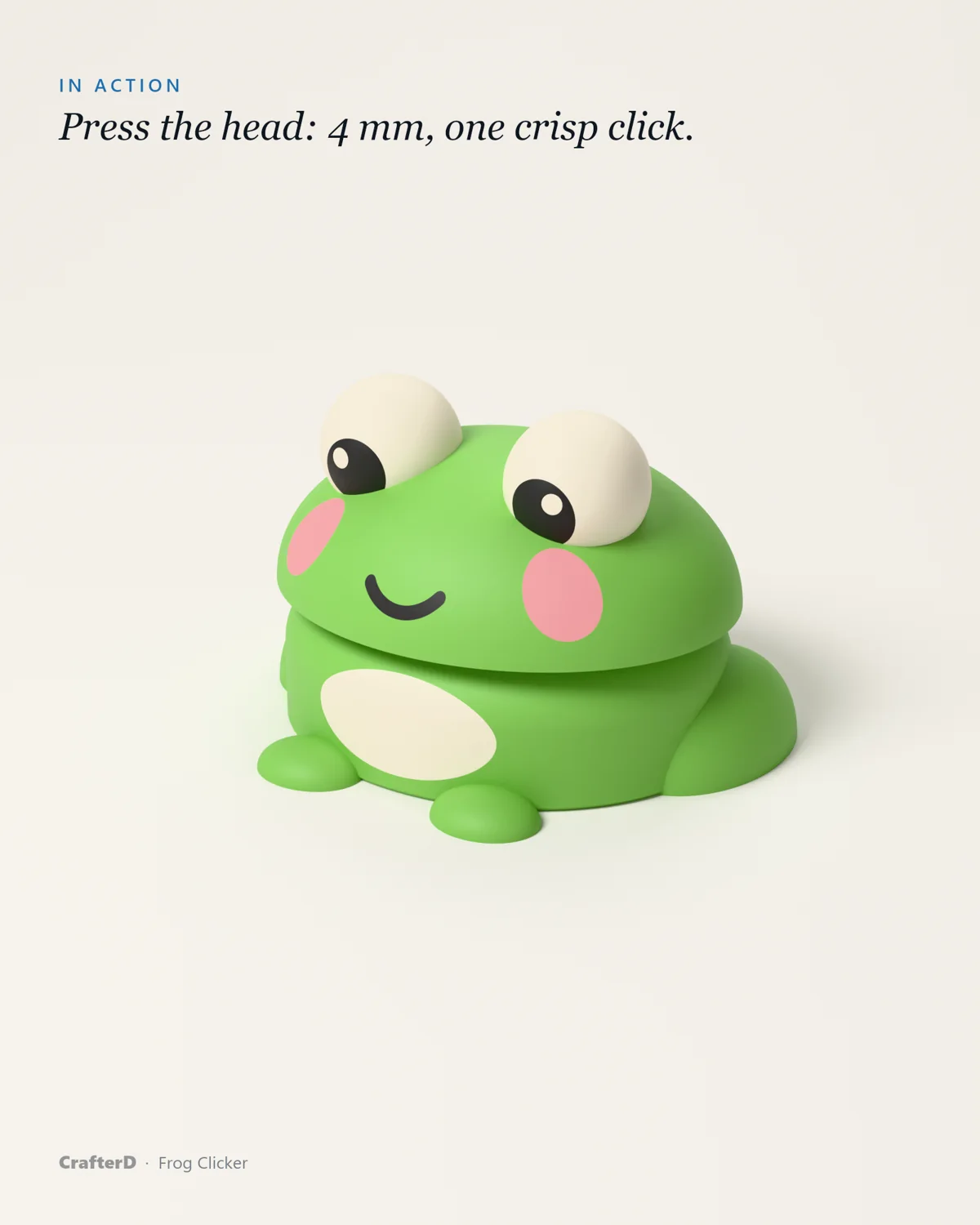
A chubby kawaii frog whose head is the key of a real clicky MX keyboard switch: press the head, it sinks 4 mm and clicks. Two printed parts in four colours (AMS), or two colours without AMS.
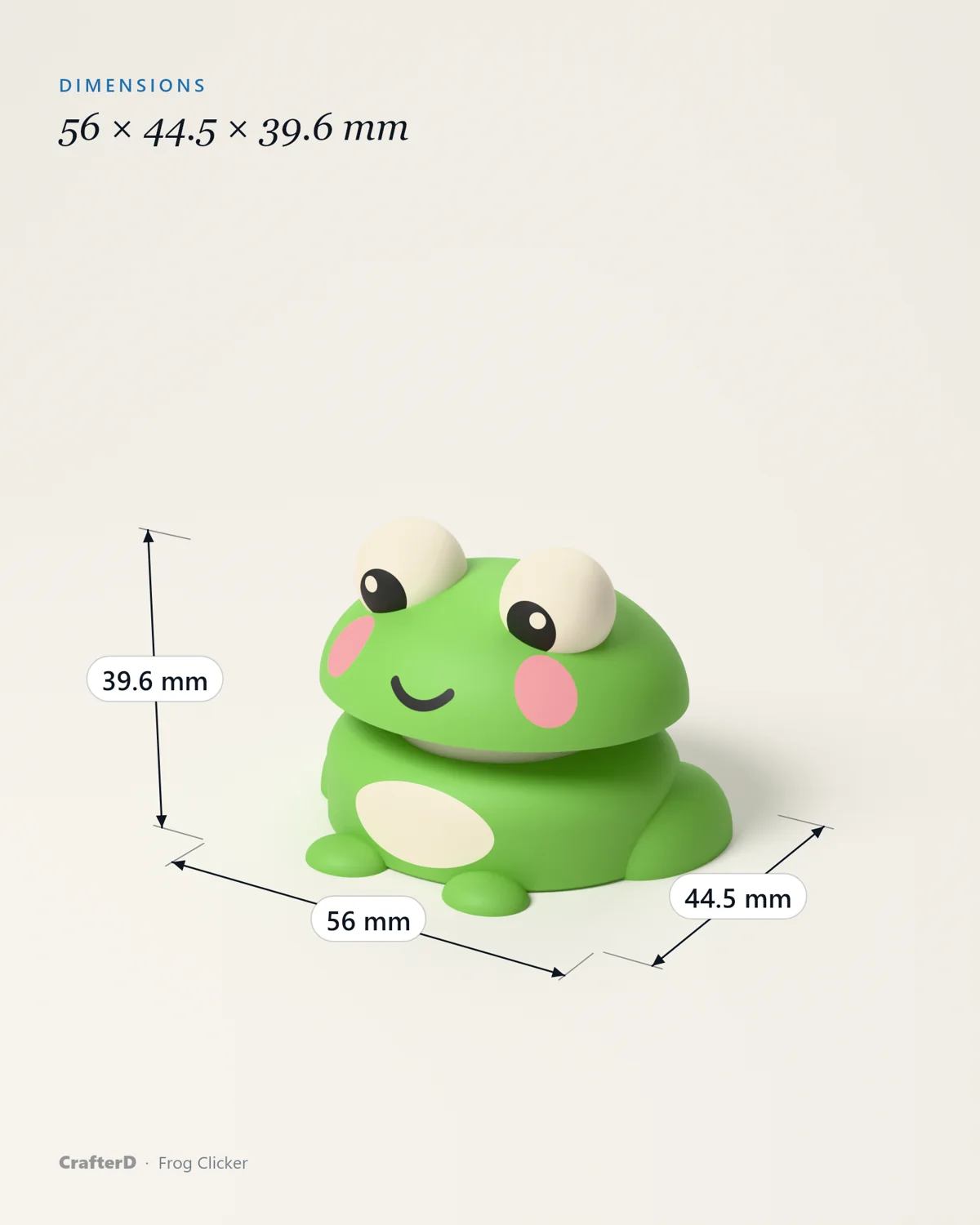
- Width: 56 mm
- Depth: 44.5 mm
- Height: 39.6 mm
- 2 parts to print
To see it on your desk in AR, open this page in Safari
Try it
100 clicks in 10 seconds?
No printer needed for this one: click the frog, or take the challenge.
Virtual Frog Clicker
0Click the frog. Go on, you know you want to.
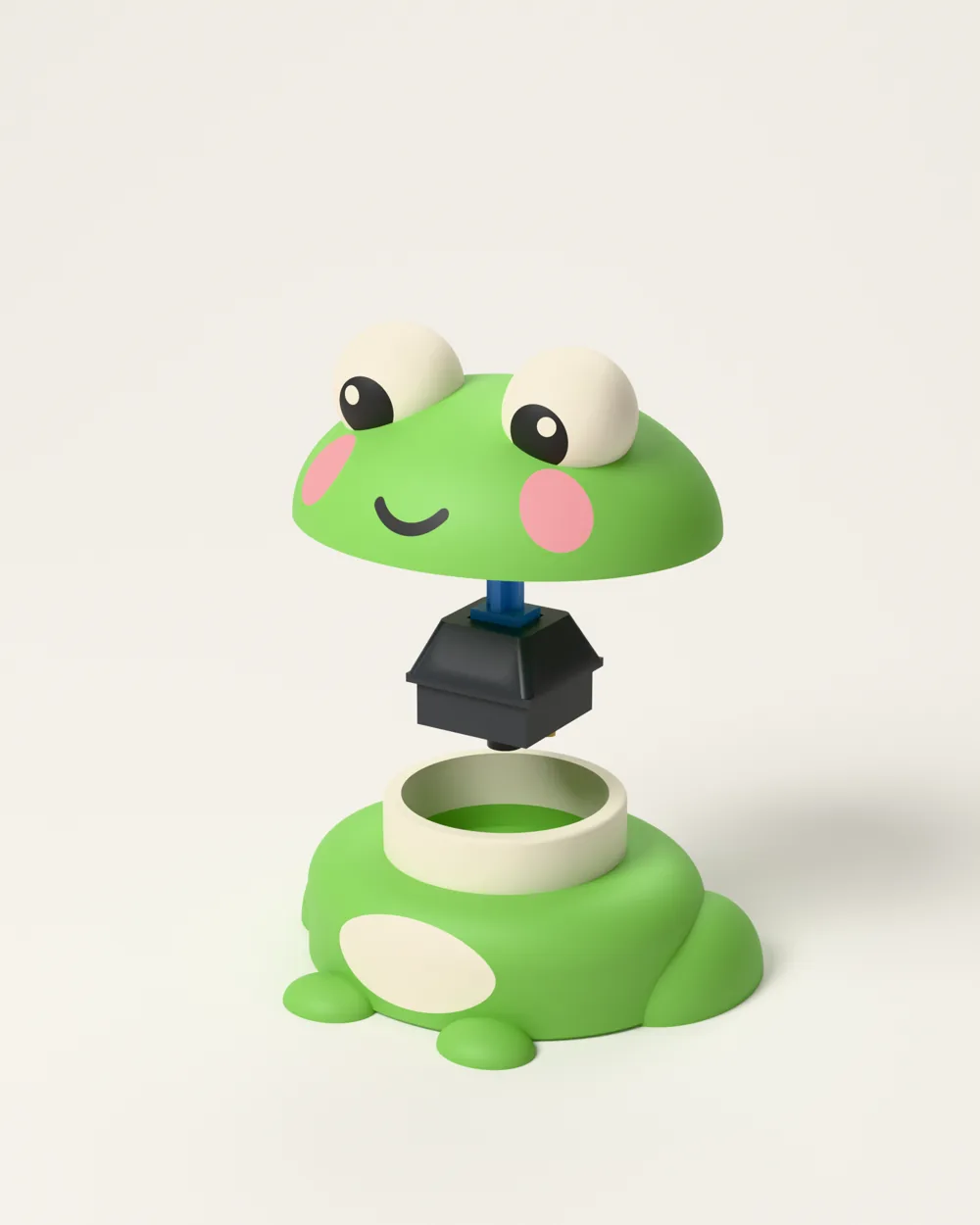
Take it apart
2 parts, one tidy assembly
Drag the slider to see how every printed part fits together.
- Body × 1 (2 colours)
- Head × 1 (4 colours)
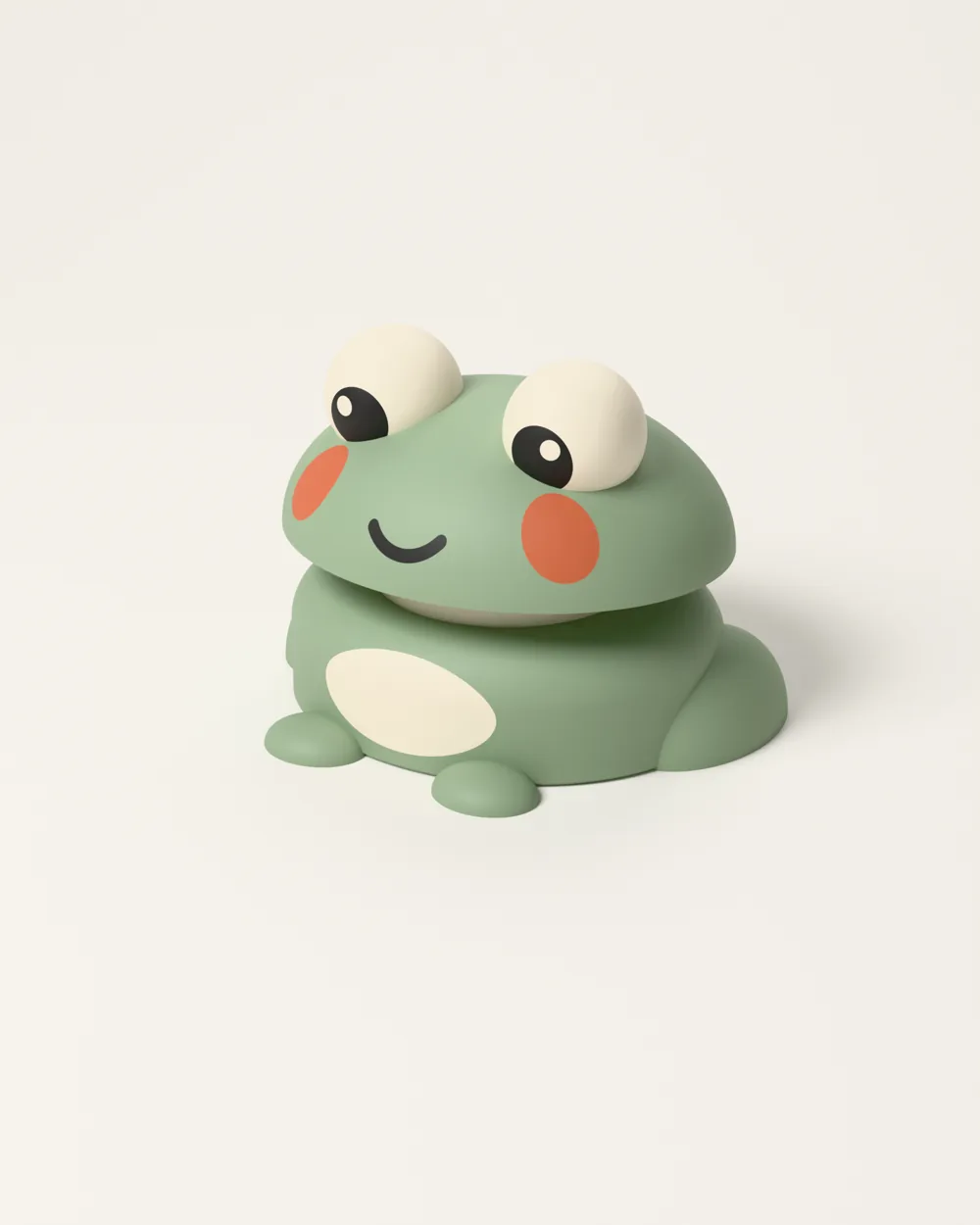
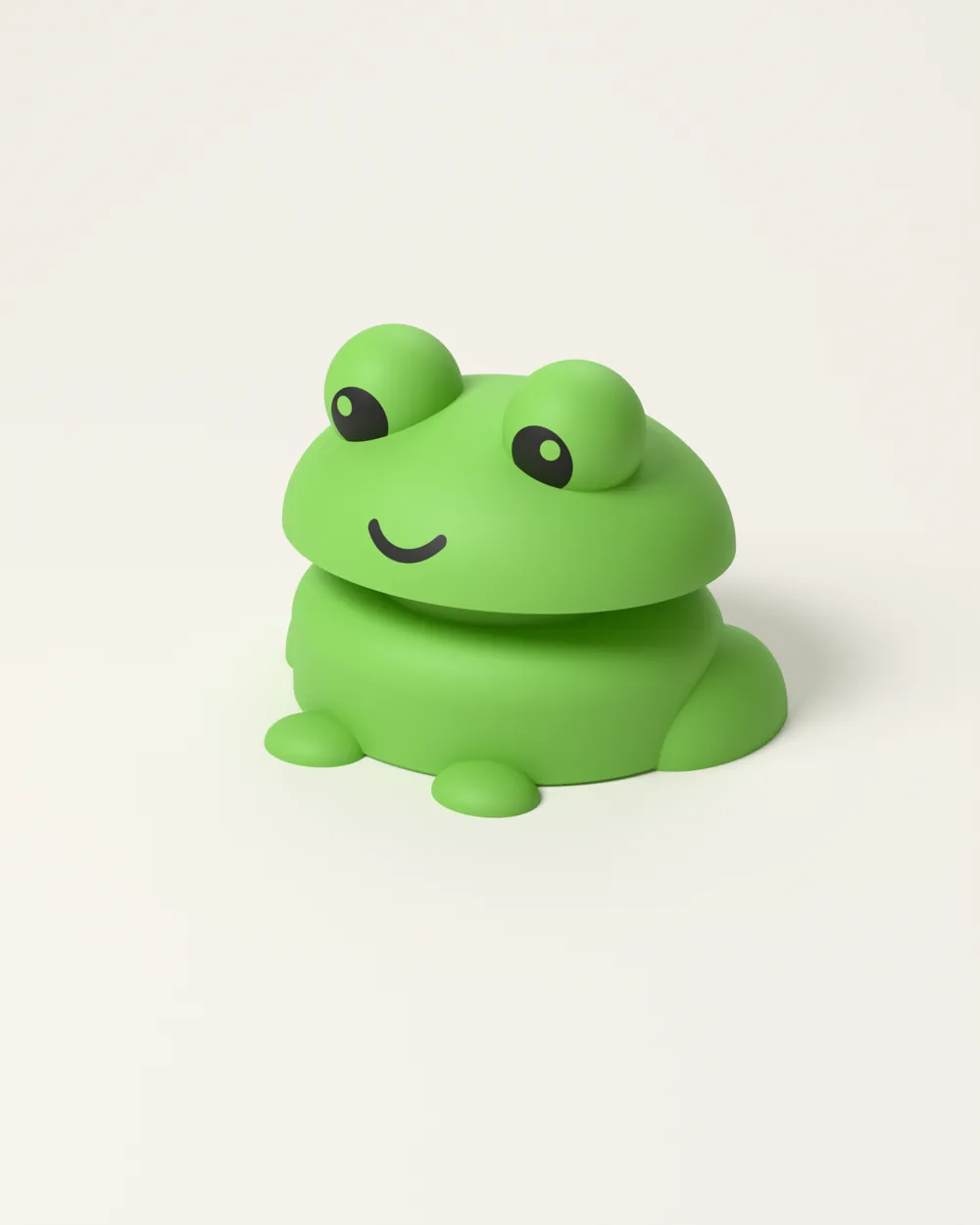
Colourways
Pick your colours
Tap a swatch to see the model printed in another palette. Any PLA works — these are just a few combinations I like.
Original
A closer look
Every angle
Print it yourself
Settings & parts
Print settings
- Material: PLA
- Nozzle: 0.4 mm
- Layer height: 0.2 mm
- Walls: 2
- Infill: 15 % grid
- Supports: None
- Colours: 4 with AMS, or 2 (green + black)
Parts
- Body × 1 (2 colours)
- Head × 1 (4 colours)
You also need
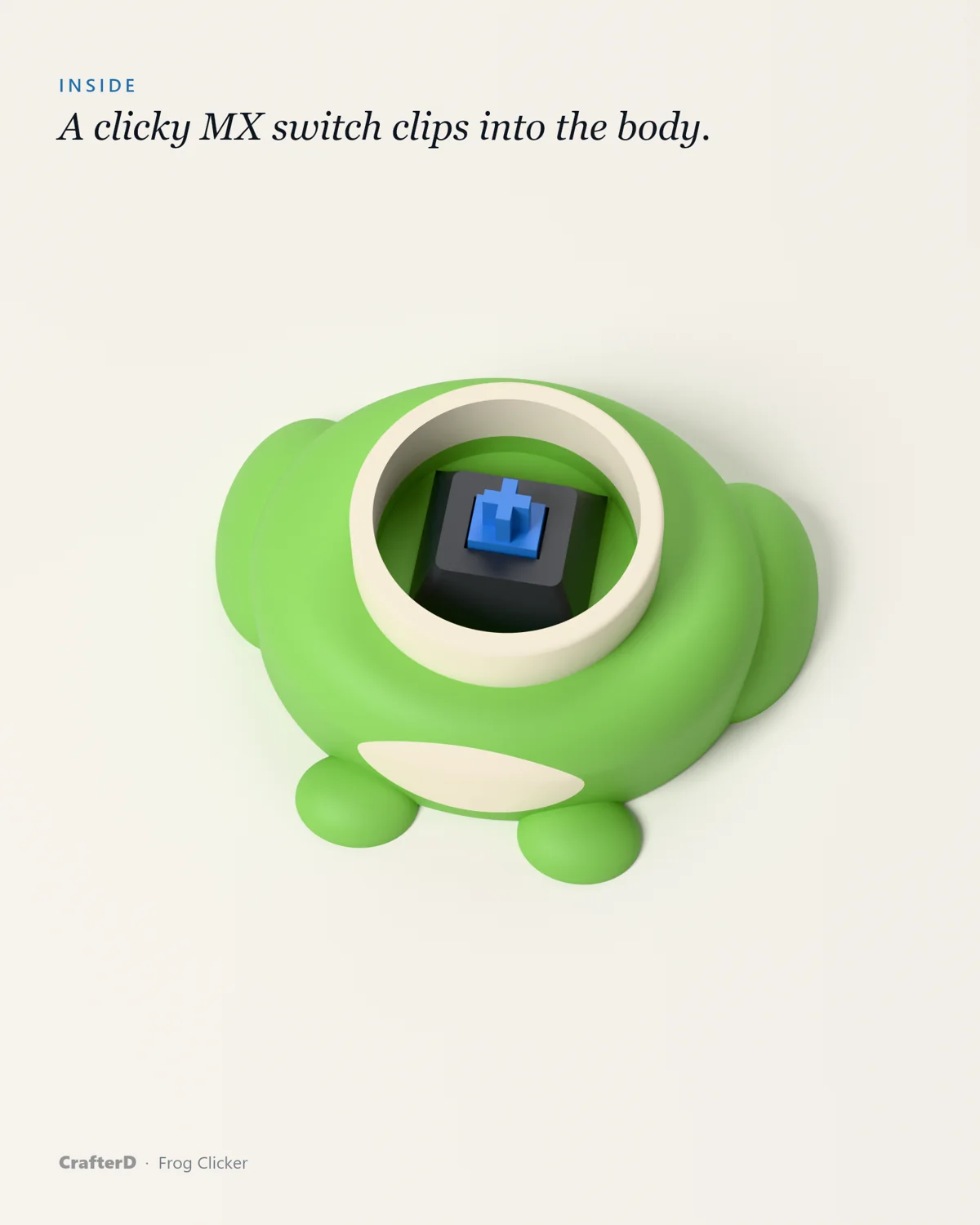
- 1 × Clicky MX switch (e.g. Kailh Box White or Gateron Blue)
Print cost
What will it cost you?
About 19 g of PLA and 0.7 h of printing, estimated from the 3D model with the settings above. Type in the numbers from your slicer and your own prices.
Assembly
Step by step
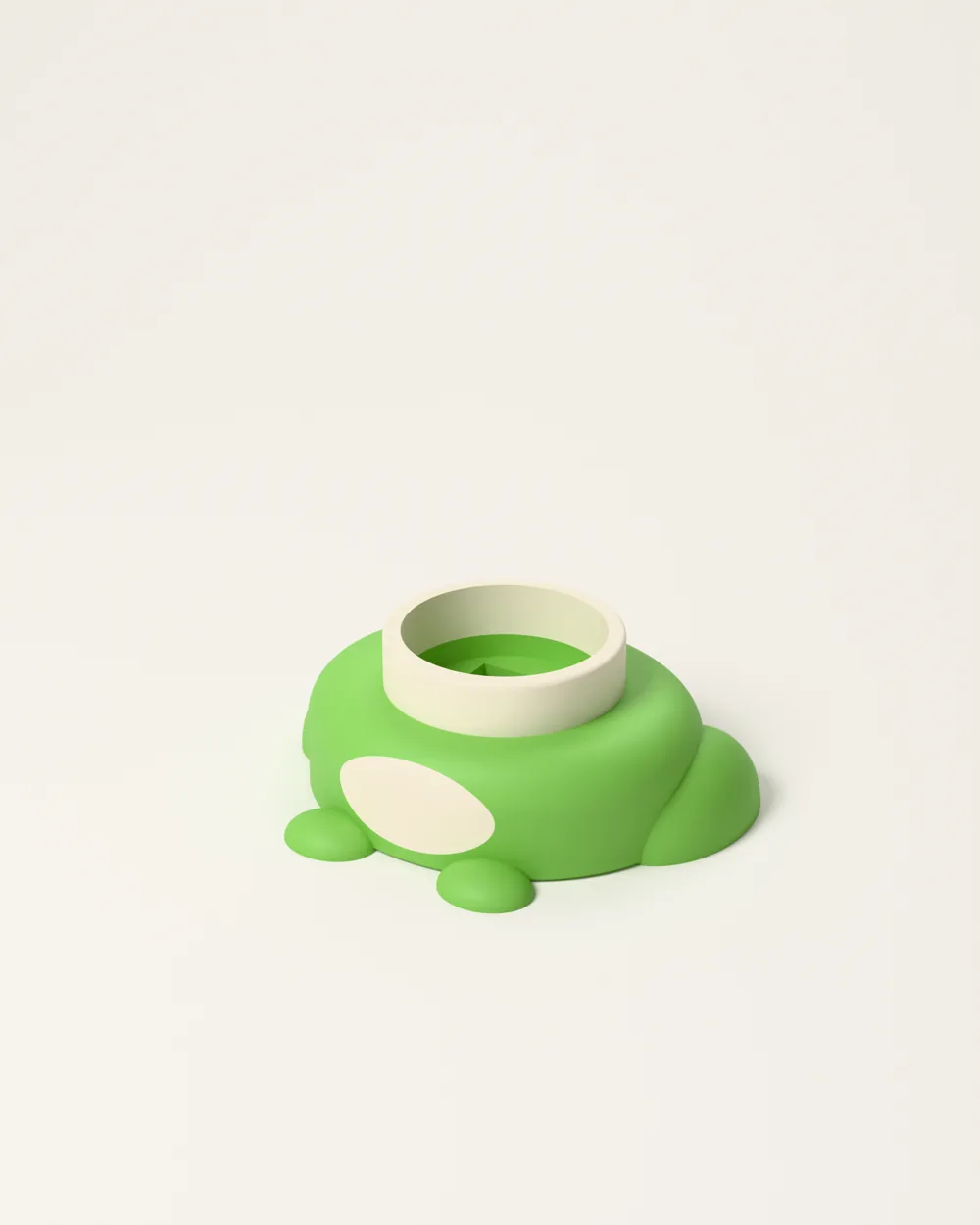
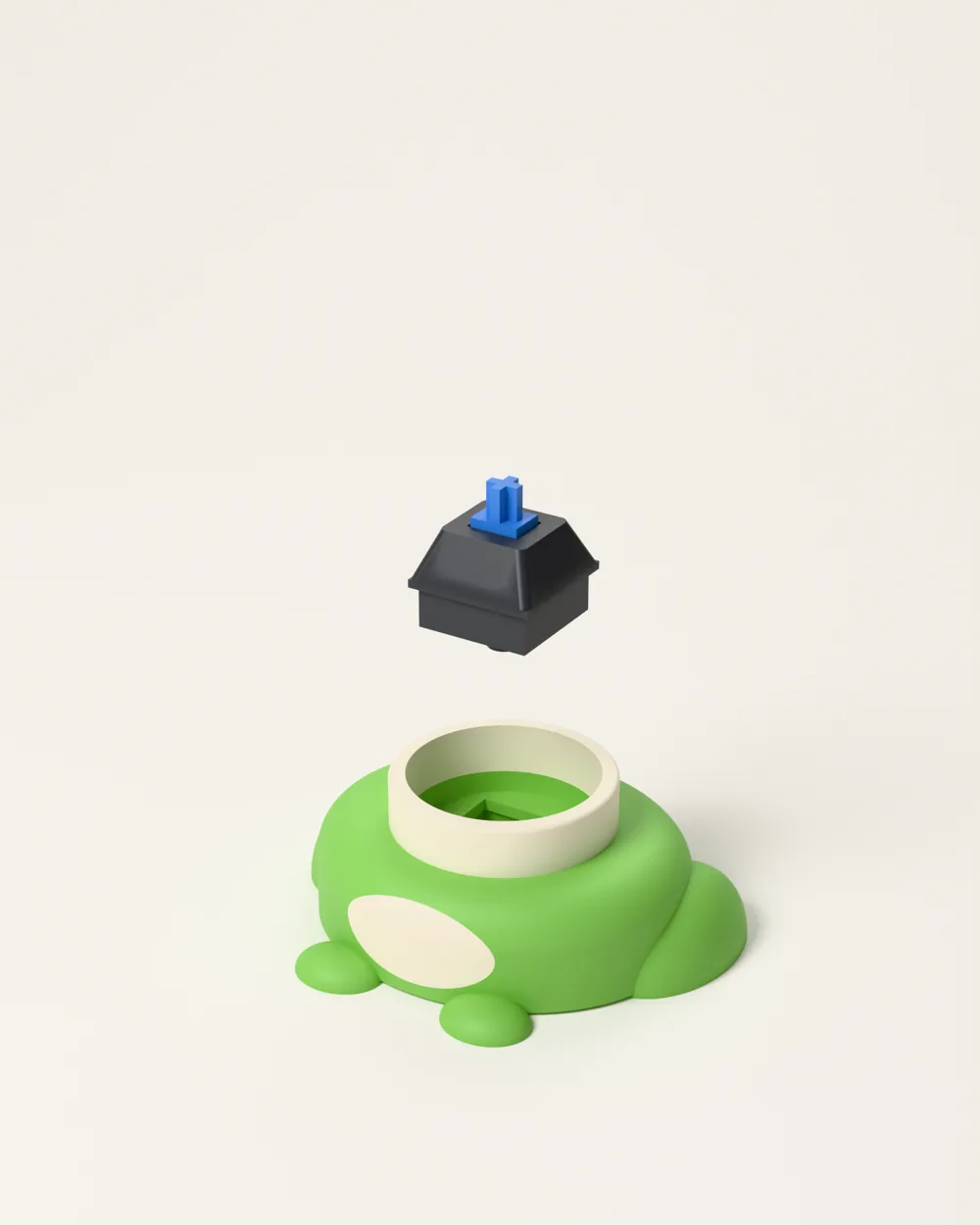
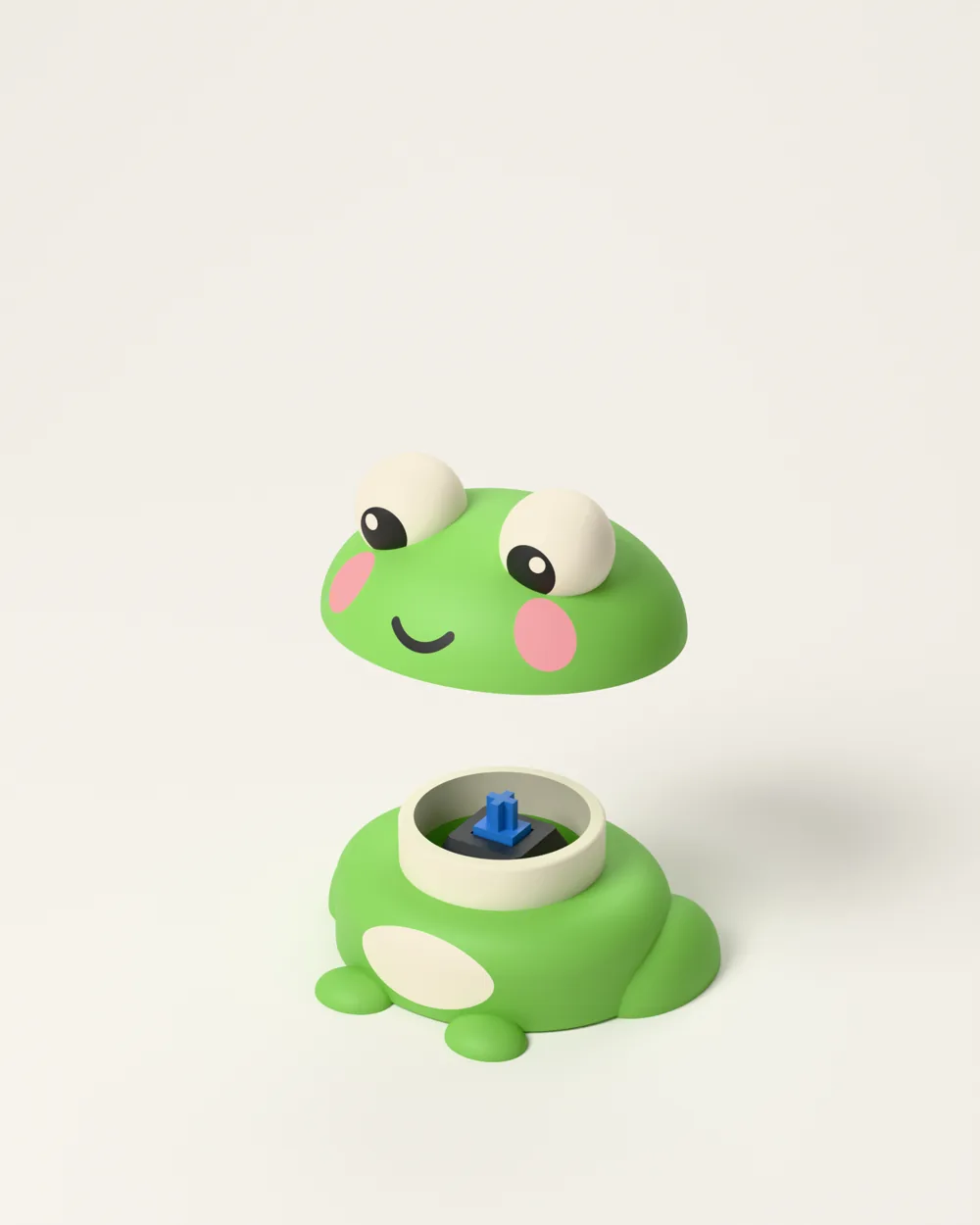
Step 1 of 3
Clear any stringing from the square switch hole.
A printable assembly guide (PDF) comes with the model files.
Ready to print it?
A kawaii frog whose head is a real clicky MX switch. First of the CrafterD Click series.